

Halo, kalau kamu merasa tulisan saya ngebantu kamu, kamu bisa ucapkan terima kasih lewat saweria .
If you feel this website help you, you can donate at saweria .
What I Used in This Tutorial
Nginx v1.24.0 from ondrej PPA.
Ubuntu 22.04.3 LTS
Problem
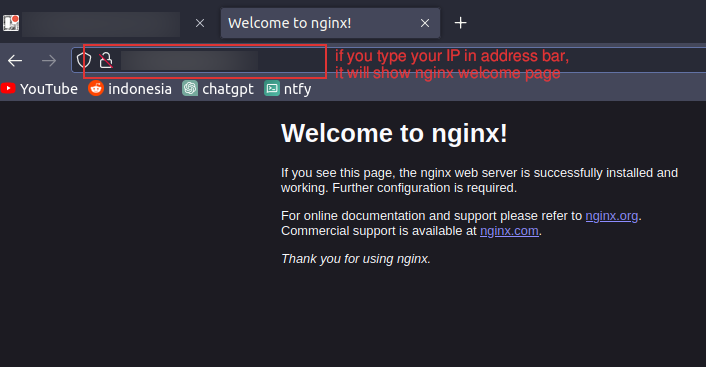
This Happen When You Access Your IP on Browser
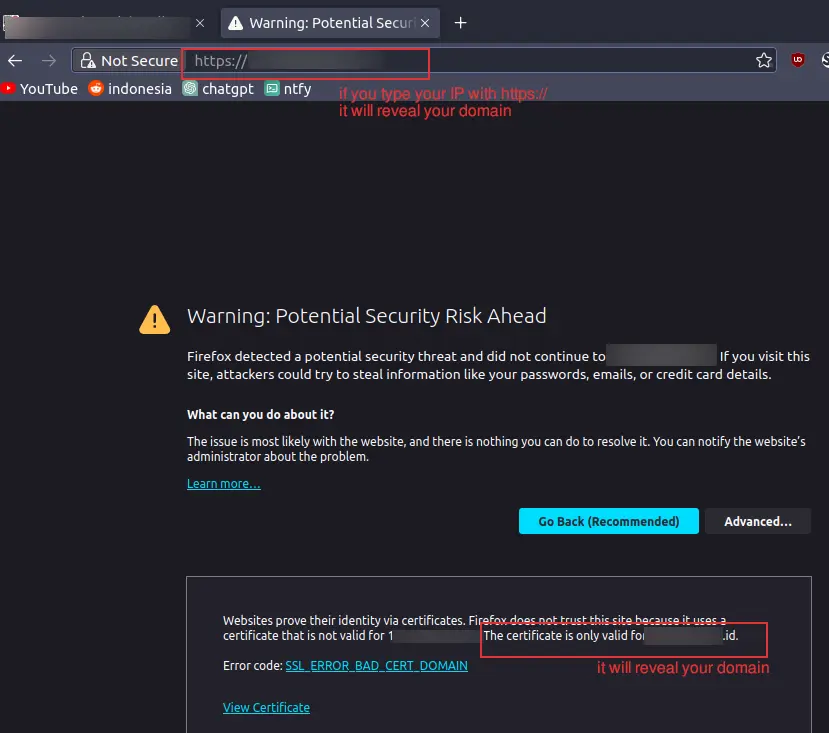
This Happen When You Access Your IP on Browser But in HTTPS
The problem was
How to forbid direct IP access on your server
How to forbid direct IP access with HTTPS on your server
Solution
Add new nginx config, i call it ipredirect.conf
server {
# Bad Bot Blocker
include /etc/nginx/bots.d/ddos.conf;
include /etc/nginx/bots.d/blockbots.conf;

server_name yourIP;
return 403;
location / {
    return 403;
}
listen 443 ssl http2 reuseport default_server;
ssl_reject_handshake on;

access_log /var/log/nginx/access/ipredirect.log;
error_log /var/log/nginx/error/ipredirect.log;

}

server {
    # Bad Bot Blocker
    include /etc/nginx/bots.d/ddos.conf;
    include /etc/nginx/bots.d/blockbots.conf;

    listen 80;
    server_name yourIP;
    access_log /var/log/nginx/access/ipredirect.log;
    error_log /var/log/nginx/error/ipredirect.log;

    location / {
        return 403;
    }
}
Then test on your browser

It Should Return 403 Forbidden
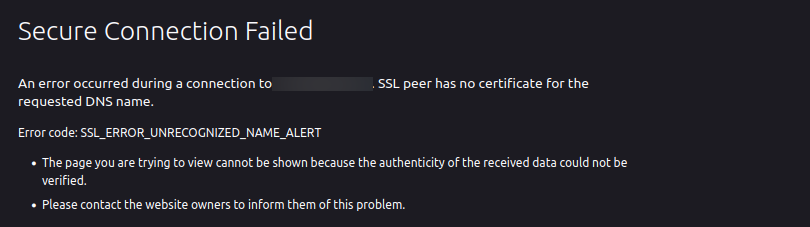
It Should Return SSL Error If You Access Your IP with HTTPS
- To enhanced this config, you can setup nginx bad bot blocker , so it will block bad IP
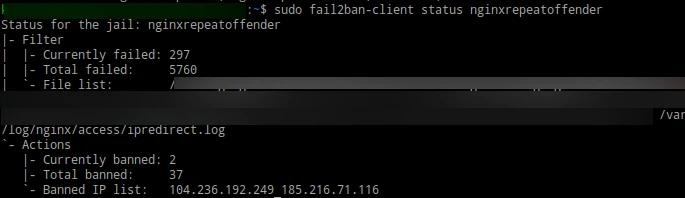
With Nginx Bot Blocker It Will Block ‘Bad IP’
Reference: